
How to create bridge page for M&A
When an acquisition happens, the Bridge page is the first thing clients of the acquired brand will see. This guide provides the structure, content rules, and best-practice principles to build a page that reassures clients, introduces Howden, and keeps them engaged.
Build Bridge pages that reassure and retain
The Bridge page is used across the Howden network whenever an acquisition or merger takes place. It is the client’s first contact with the Howden brand - built on a Basic page type in Drupal.
Clients arriving on a Bridge page are not looking for a corporate announcement. They have one question: what does this mean for me? The page must answer that question before it does anything else.
The page should follow a four-step narrative in order:
- Reassure the client that nothing has changed
- explain what happened and why it benefits them
- Introduce Howden’s scale and credentials
- Give them a clear next step
How to build a Bridge page?
- Click “Content” in the second top bar, hover on Add content, select “Basic page” page type.
- Once selected, follow by adding the required fields - “Page title” and “URL ALIAS”. The URL should reference the acquired brand name for anyone arriving via a redirect.
- Use the page structure below as your guide for component order and content rules.
Example page link: Barnett Waddingham and WDR
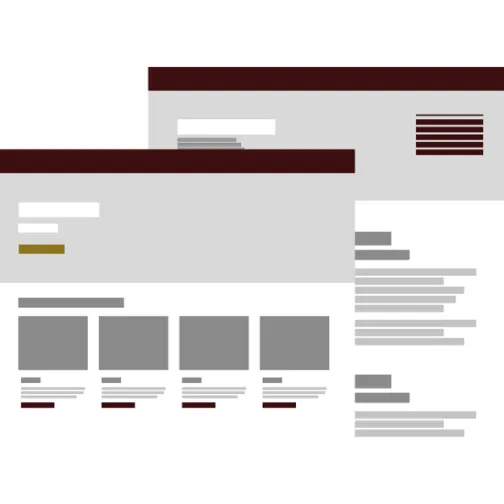
Product page layout best practice
Not sure where to start?
Use our interactive guide to explore the recommended structure for a Product page — see each section in context on an example Product page, with component suggestions and guidance for each.
SEO best practice
Bridge pages often receive high volumes of redirected traffic from the acquired brand’s existing URLs. Getting the SEO fundamentals right ensures clients can still find their information and that the page performs well in search.
Do's and don'ts
Do
Lead with the acquired brand name in the H1 - never open with Howden
Reassure before you announce - answer “what does this mean for me?” in the first visible section
Keep the employee note brief, clearly separated from client content, and link to internal resources
Don't
Omit the “What stays the same / What improves” section - this is the highest-value content on the page